Top
Bill Pay

Simplify Your Bill Payments with LoisPay Pro

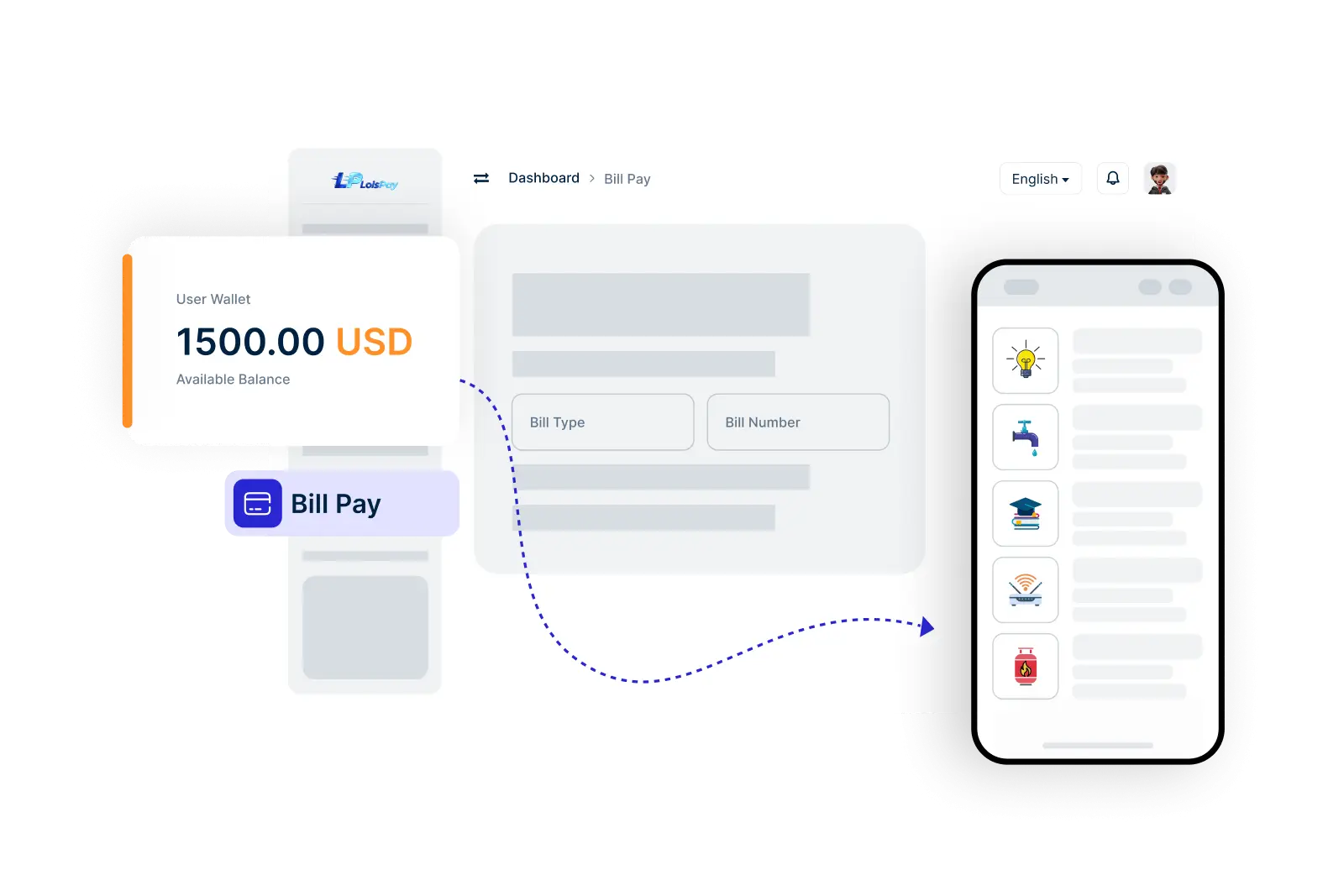
With LoisPay Pro’s Bill Pay feature, managing and paying your utility and service bills has never been easier. Eliminate the hassle of manual payments and enjoy the convenience of paying your bills directly from your LoisPay Pro account, all while ensuring your transactions are secure and efficient.

    Pay Your Bills in 3 Easy Steps

  • 1. Select Your Bill Type
  • 2. Enter Billing Information
  • 3. Confirm and Pay
img

Follow these simple steps to effortlessly pay your bills through your LoisPay Pro account.

Frequently Asked Questions About LoisPay Pro Bill Pay

Get answers to your questions about managing and paying your bills through LoisPay Pro.

How do I pay my bills using LoisPay Pro?

To pay your bills, go to the Bill Pay section in your LoisPay Pro app, select the type of bill, enter the required details, and confirm your payment.

What types of bills can I pay through LoisPay Pro?

You can pay a variety of bills, including utilities, internet, mobile services, and more. Check the available options in the app for specifics.

Is there a limit on the amount I can pay for my bills?

There may be transaction limits depending on your account type and settings. Please refer to the LoisPay pro guidelines or your account information for specific limits.

How will I know if my bill payment was successful?

Once your payment is processed, you will receive a notification confirming the transaction. You can also check your transaction history for details.